Patcher v5.4.2 — What Changed Since v5.1.0
v5.1.0 finished the patch editor. Since then I've worked on everything around it: the shared data, the public side, multi-panel modules, and a lot of small fixes.

The last time I wrote about Patcher was around v5.1.0. That was the release where the patch editor finally felt complete. With the editor done, the rest of the app needed to catch up.
So the releases since then haven’t had one big headline. I’ve been working through everything around the editor: the shared database, how Patcher looks to people who aren’t logged in, multi-panel modules, and a long list of small annoyances. Put together, Patcher now feels like one workspace and not a set of separate tools.
Here’s where it is today:
The data had to get better
Patcher is only as useful as its shared module data. A patch that points at a module with wrong specs isn’t much use to anyone, so that’s where I started.
There are now manufacturer pages with their own browsing, filters, pagination and recent activity. You can use the hardware database as a reference in its own right now, not just as a lookup for patches and racks.
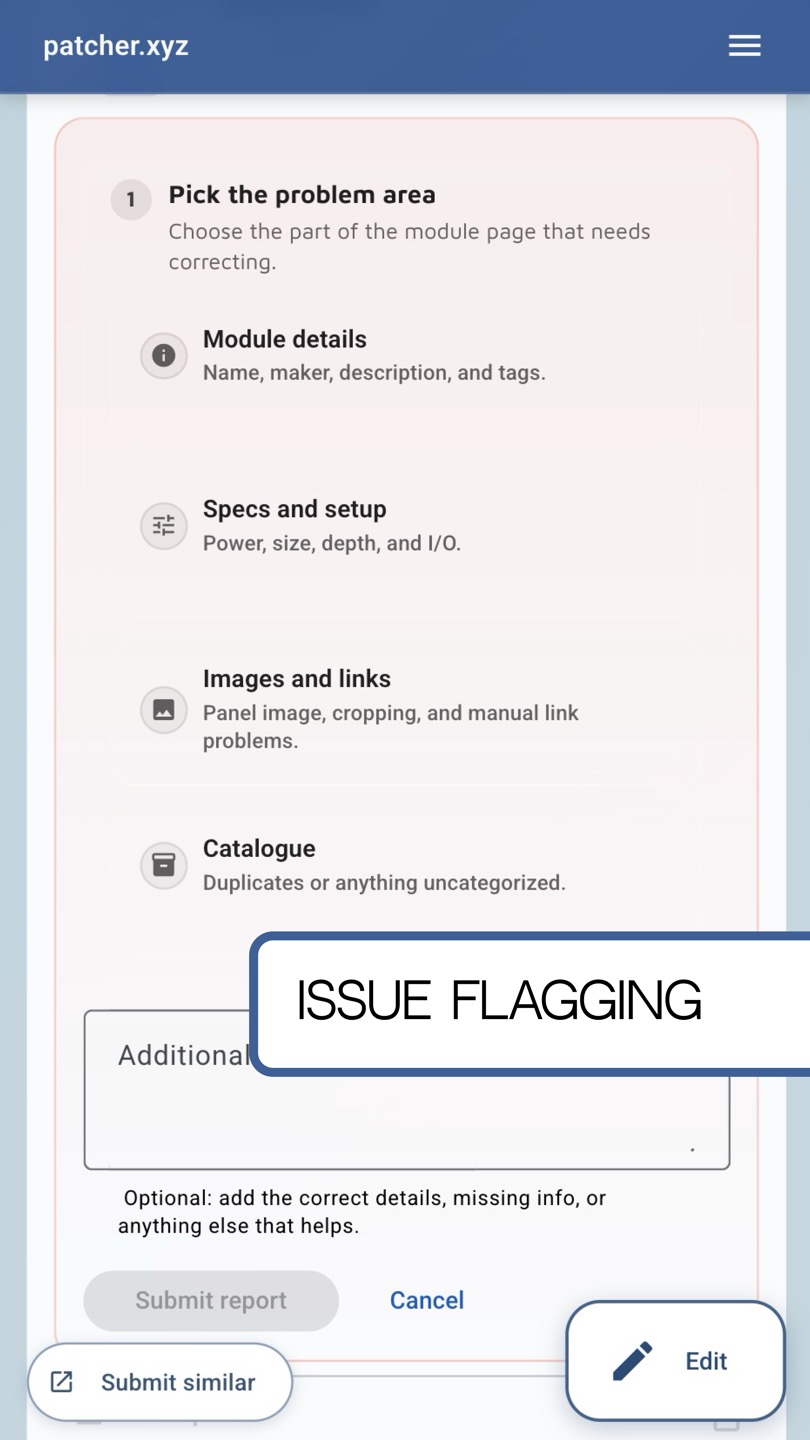
Modules got store links, better issue reporting and smarter power defaults. More importantly, there’s now a proper moderation workflow. Anyone can flag a bad entry, and admins can review, resolve or delete those reports.
Making it visible from the outside
For a long time Patcher was only useful once you’d logged in. I wanted it to make sense to someone arriving from a search result or a shared link.
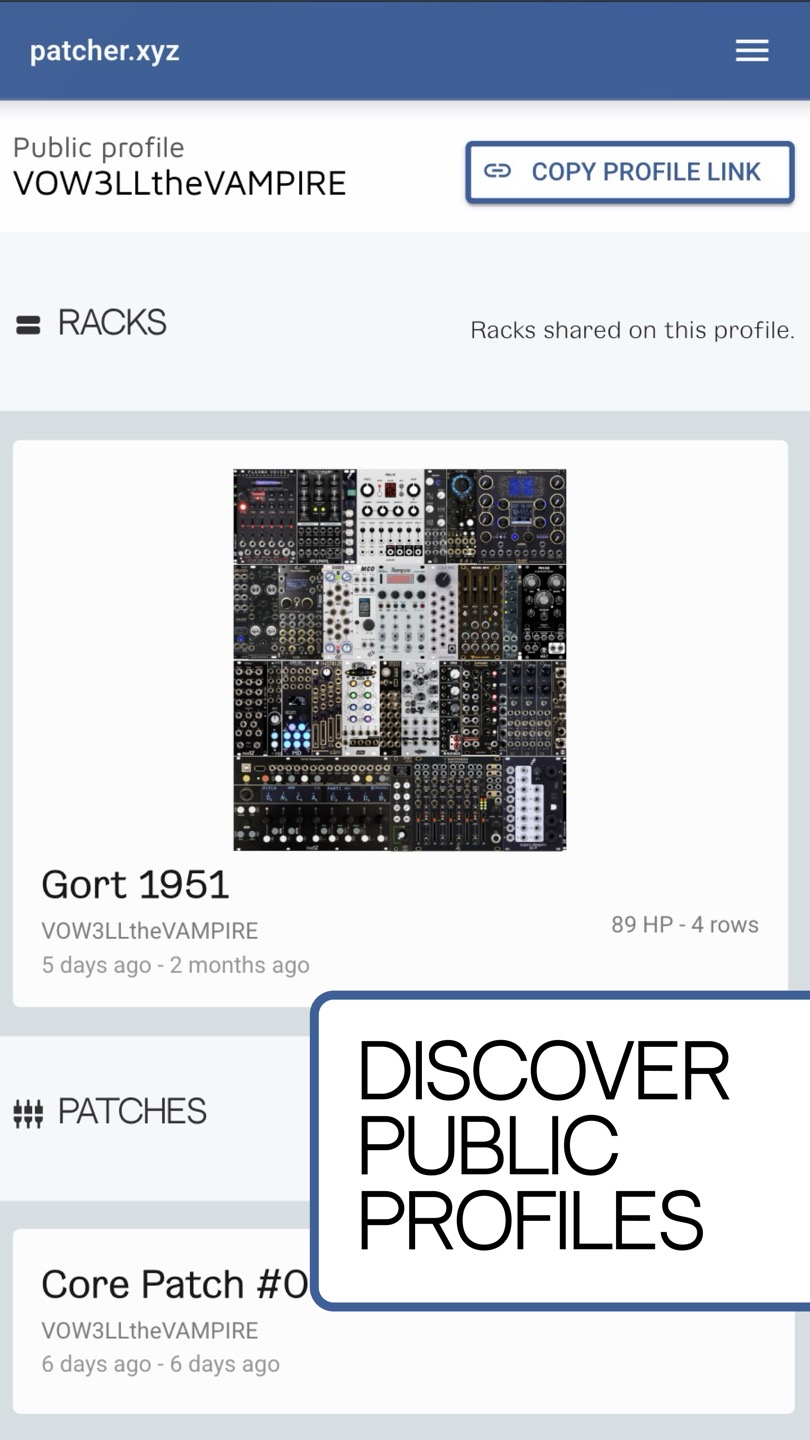
I added server-side rendering, structured SEO data, better metadata and a working sitemap. Public patches and racks now show up in search and preview properly when you share them. I also added public profile pages, so patches, racks and module contributions link back to the people who made them.
Multi-panel modules, finally
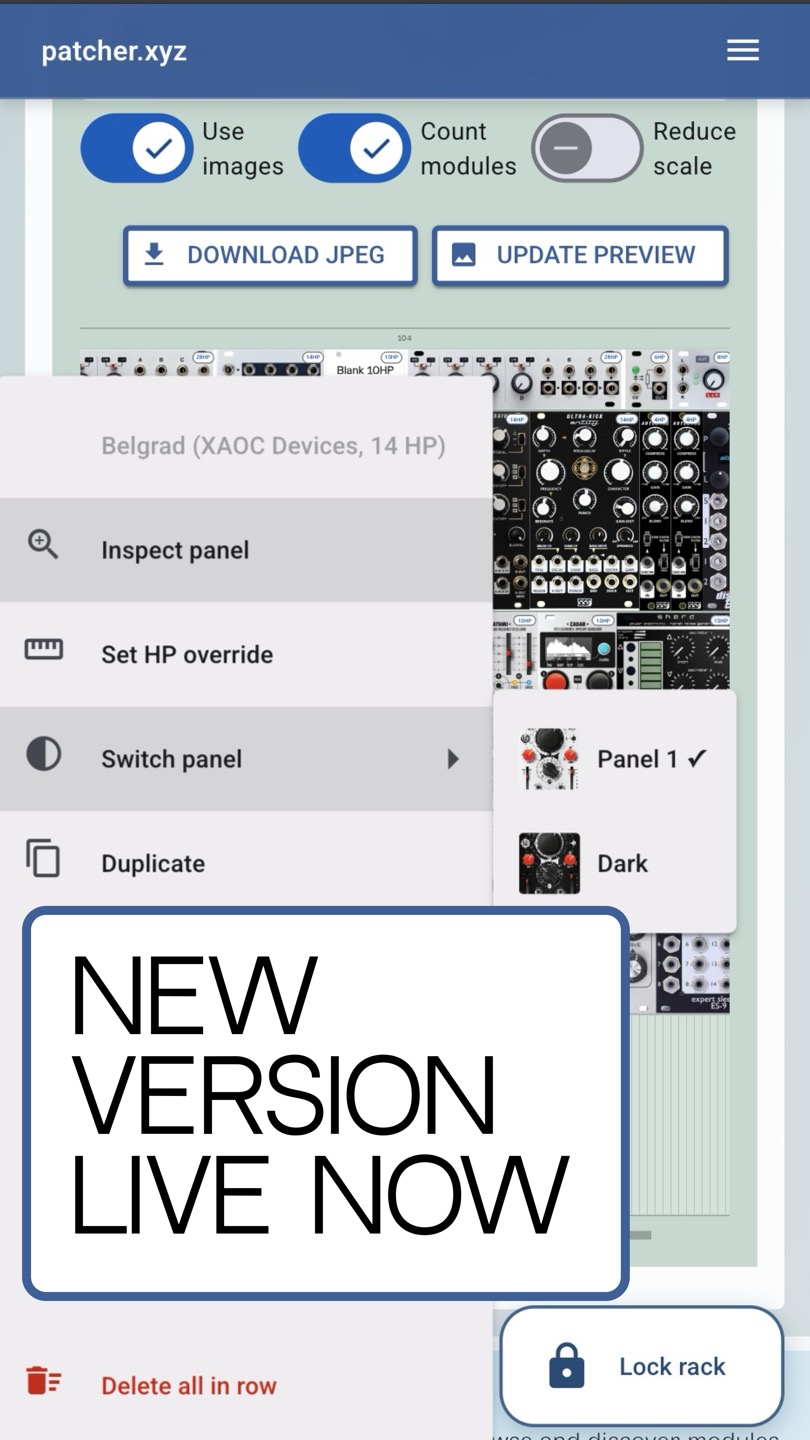
Some modules come in several panel versions: different colours, alternate layouts. Early support for that was basic. Now there are panel galleries, clearer labels, click-to-preview, panel switching inside a rack, and a global preference for panel colour. If you want your digital rack to look like your real one, this is much better than it was a few versions ago.
The small stuff
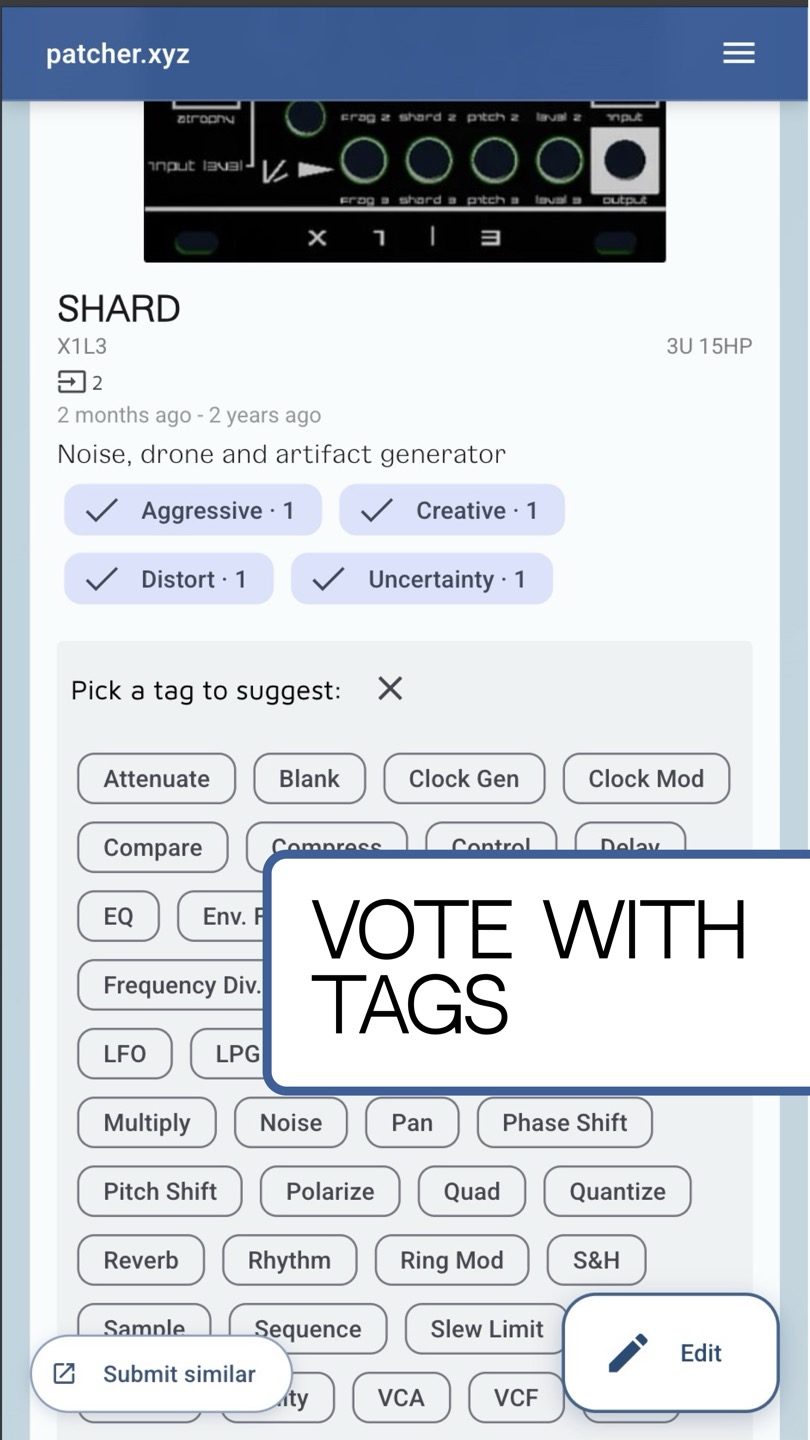
Most of the remaining work was small fixes that only stand out when they’re missing. Pagination now stays where you left it when you navigate around. Floating search reaches more of the app. You can filter modules by tag. Onboarding responds to what you’re actually doing, the sign-in and profile flows have been cleaned up, and the app now makes sure every account has a username.
And a few more:
- the comments UI got a big refresh
- discovery tips can be paused globally
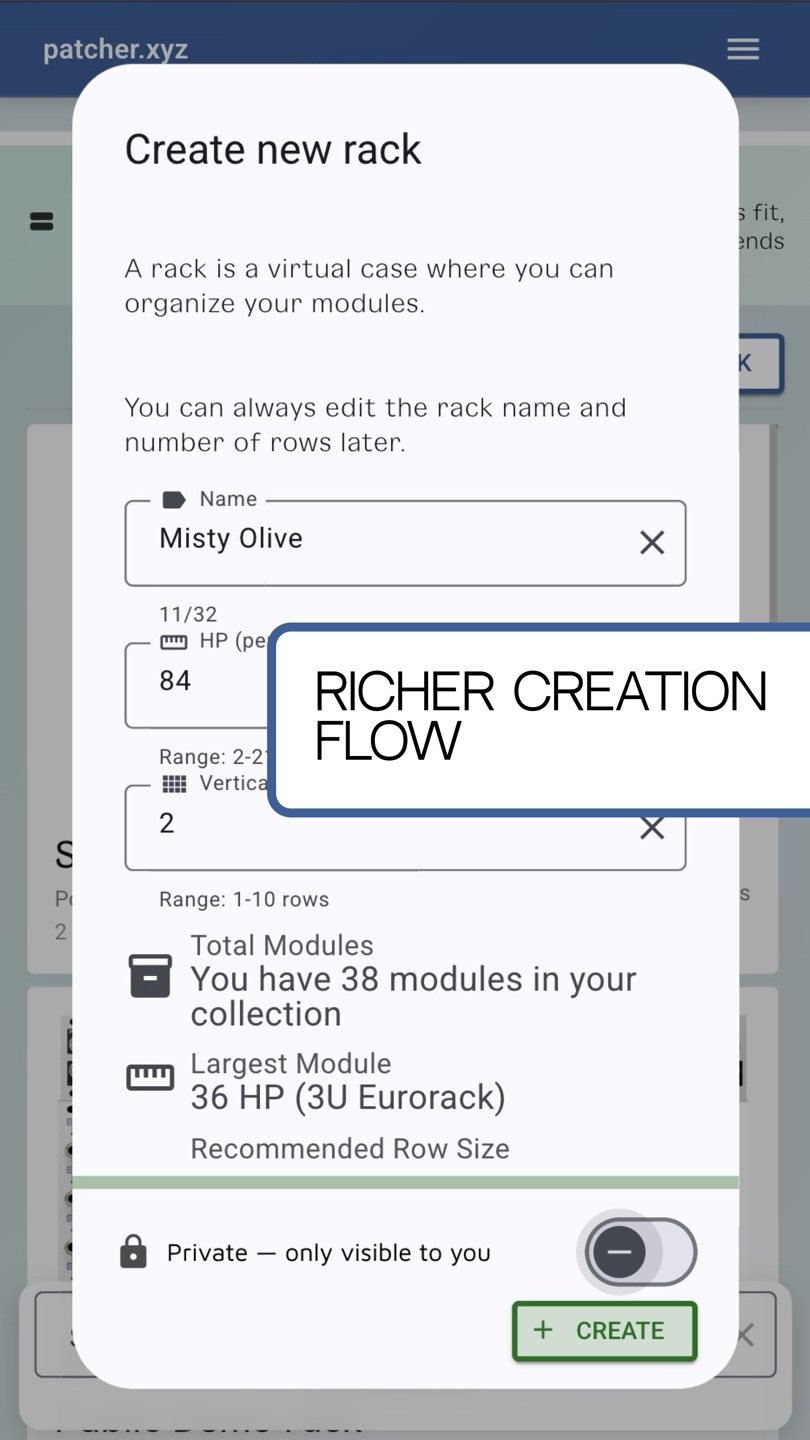
- new racks can default to private
- rack editing supports HP overrides
- public profile queries and comment handling were hardened
- backup and restore scripts for local Supabase development
None of these are exciting on their own. They’re what makes the app feel solid instead of fragile, and that matters when people are trusting it with their patches.
Where it is now
Patcher started because I kept losing patches. That’s still the heart of it, but it has grown into what I actually wanted from the start: a digital twin of a Eurorack setup, where patches, racks, modules, public discovery and your own workflow all live in one place.
If you haven’t opened it since v5.1.0, now’s a good time to have another look at patcher.xyz.